Loading... Please wait...

- Home
- MAG-ic Probe Software
- MAG-ic Probe Lite Software for Windows V6.0


Product Description
NEW for 2024!
Feature updates and bug fixes in V6.0
The MAG-ic Probe custom Software allows you to connect your MAG-ic Probe device to a Windows or MAC computer via USB cable or Bluetooth.
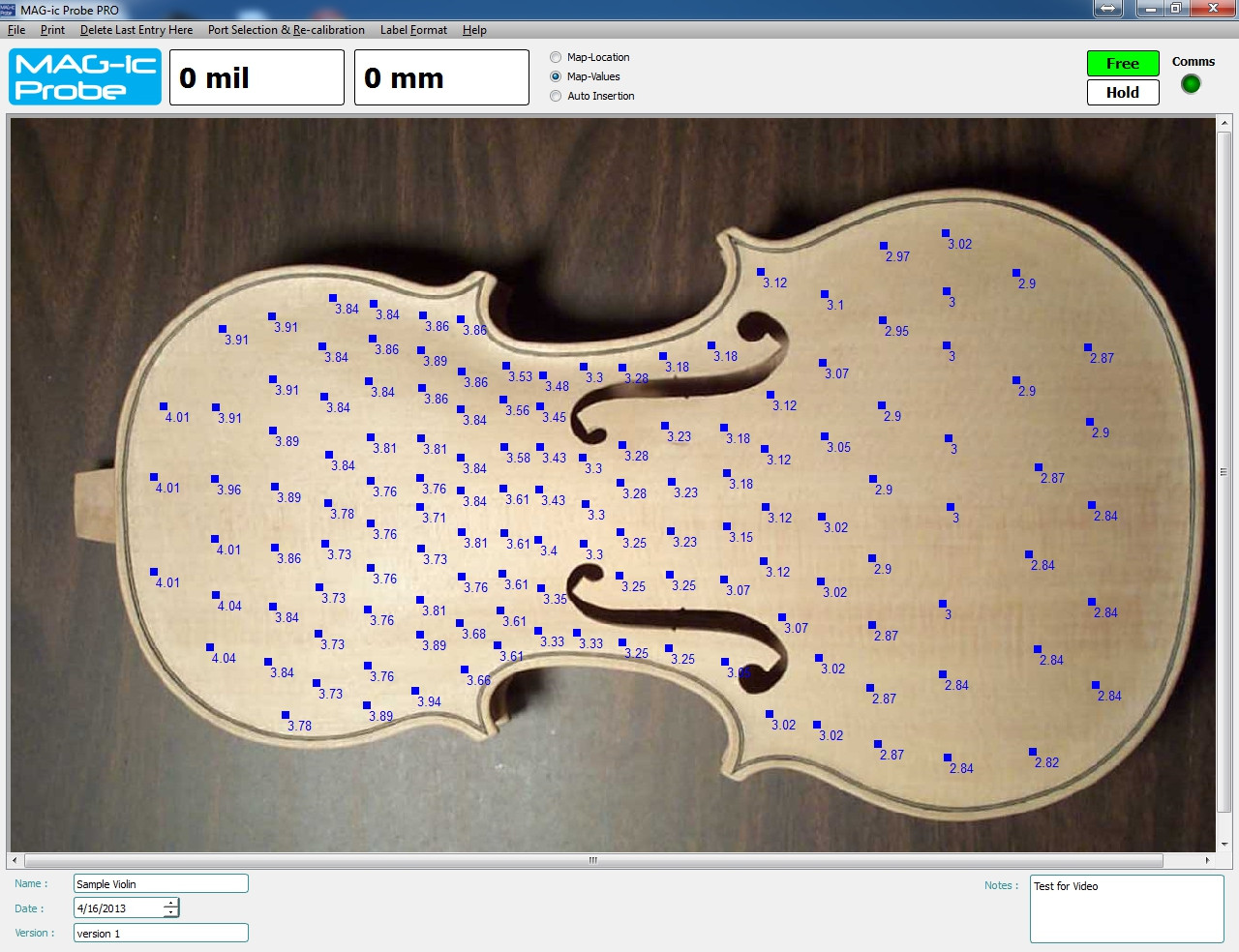
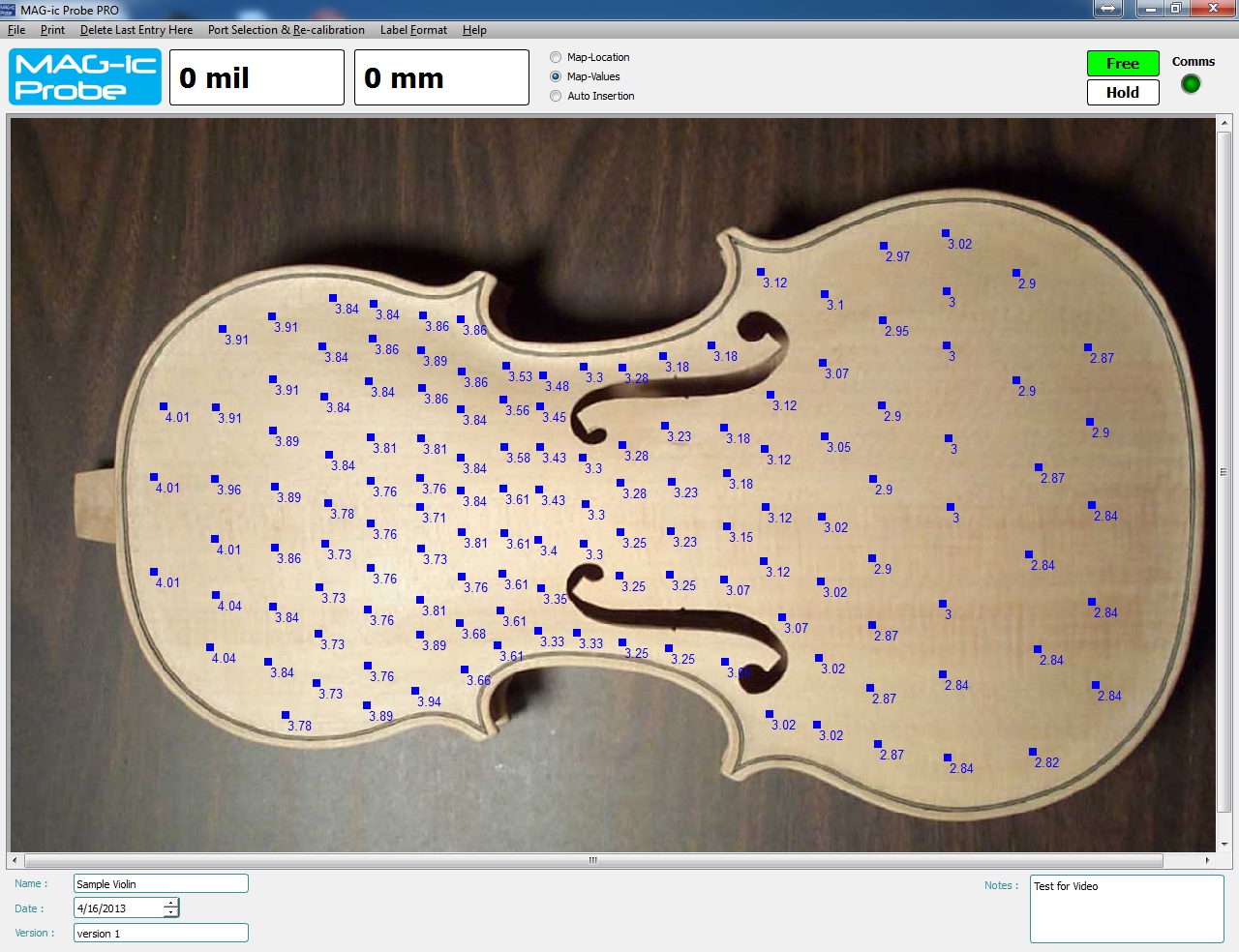
The software gives you the ability to record live measurements to an uploaded JPG file which could be a picture or drawing of the instrument or object being measured.
NEW FEATURES ADDED!!
MAG-ic Probe now has a new Pre-Mapping feature so that you can pre-plan your measuring locations. Simply Enter the Pre-Map Mode and click on the "Map Locations" button.
Move the mouse to each location that you will be measuring and click. The system will generate sequential numbers for each location. This can be saved as a file for re-use in future.
When you are ready to measure, click on the Map Values button, simply move the probe to location 1 and click anywhere on the screen, your value will be entered into location 1.
Move the probe to location 2 and click, etc.
For the Ultimate in hands free operation you can try the Auto Insertion mode.
Move the probe to location 1 and after the reading becomes stable, the value will be automatically inserted into location 1, Move to location 2 and wait for the value to be inserted.
Added a "Settings" Option so you can now choose what to display when you click on the picture. This feature will allow less clutter on the screen and allow you to place more measurements.
Added CLEAR ALL function to delete any stray measurements when starting a blank project.
Now when using Map Values, pressing any key will add the current measurement to the picture.
I will update the manuals soon to reflect these new changes.
NEW!! Add Offset - In the settings menu you can now add an OFFSET to the actual reading. This will adjust the actual reading up or down if you feel the gauge is slightly off your other measuring devices.
In the settings menu, enter either a positive or negative offset.
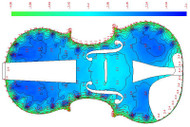
This is the Free Lite version of the MAG-ic Probe Software for Windows. For full color contoured maps of your instrument, please see the MAG-ic Probe PRO version of the software.
Product Videos
This is a detailed walkthrough and tutorial of all the features available with MAG-ic Probe Lite and continuing with MAG-ic Probe PRO software. The software allows you to add physical measurements made by the MAG-ic Probe Electronic Thickness Gauge to a JPG picture of the instrument being measured. The PRO version allows you to progress from text values on the picture to a full color contoured image for instant visualization of the thickness contour represented by the measurements.
-
 MAGic Probe Pr...This is a detailed walkthrough and tutorial of all the feature...


Product Reviews
-
Nice Start

Posted by edward on 1st Aug 2023
A good place to start evaluating the system..
Works well.
Downloaded the Pro Demo for further evaluation.
Going well so far. -
Doesn't work under Windows 11

Posted by Frits van den Munckhof on 28th Apr 2023
I couldn't get this thing to work when connected to my laptop under Windows 11. Could find the required Com-port. Disappointed and sent it back.
-
usefull but crude

Posted by Unknown on 16th Feb 2018
The software works well except some occasionnal loss of comm with the probe. Sometimes the software need restarting in order to work. The UI is a bit un-intuitive but for the most part, it's a good tool to have.
-
Very satisfied
Posted by Miguel on 5th Apr 2017
It's magic ... easy to use, very accurate and pro software adds quality to my work. Who is the client that would not like to receive the DNA of his instrument? And the thickness map can serve as proof of ownership ... really magical